Halloween
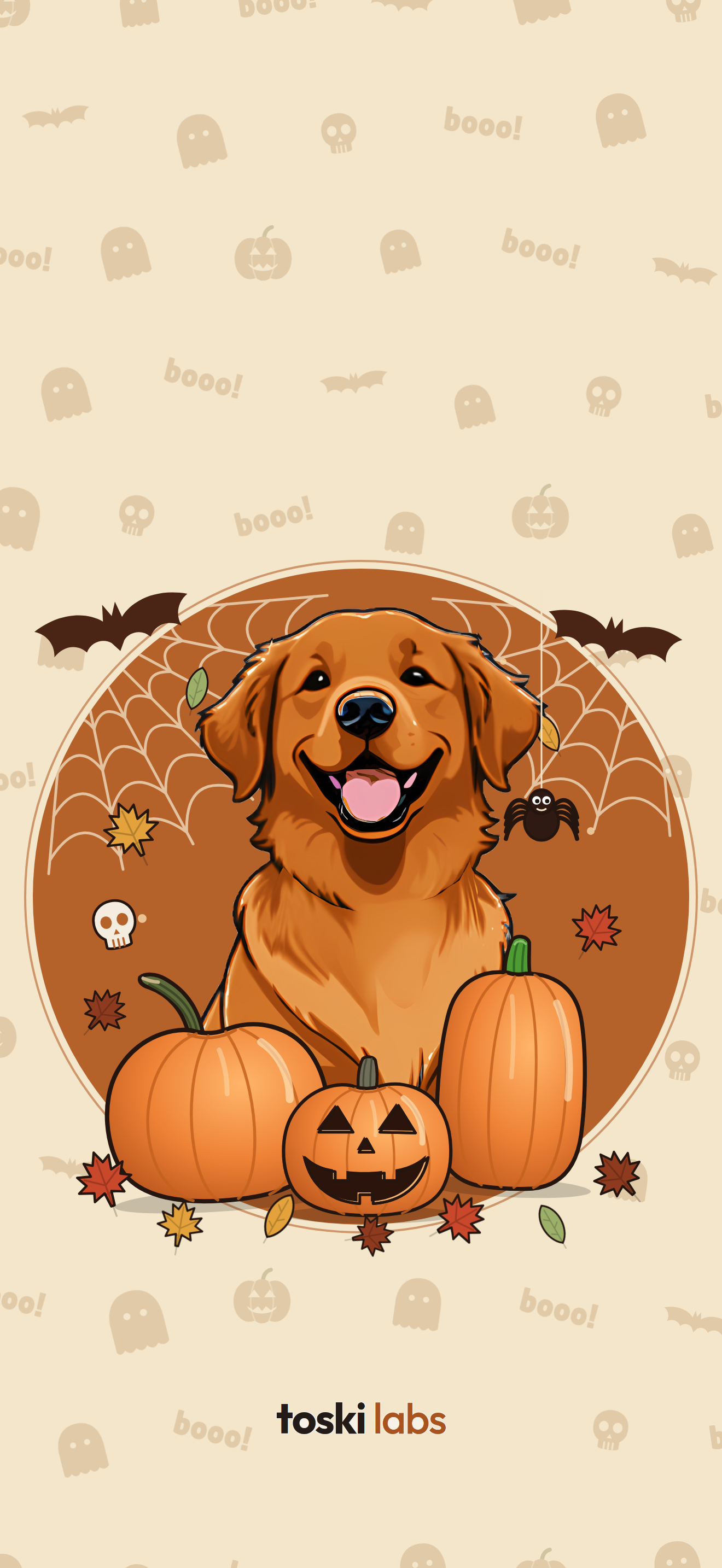
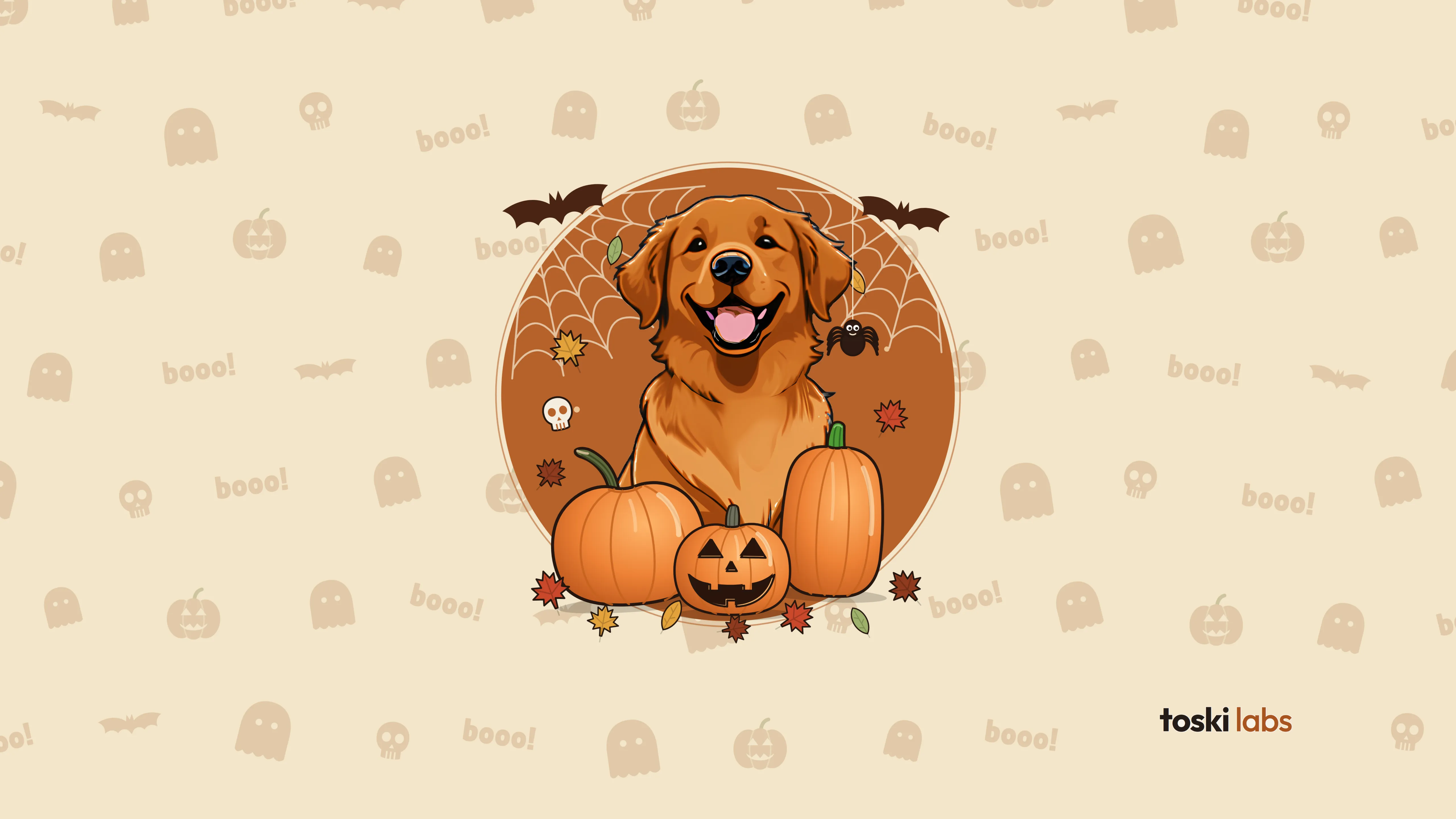
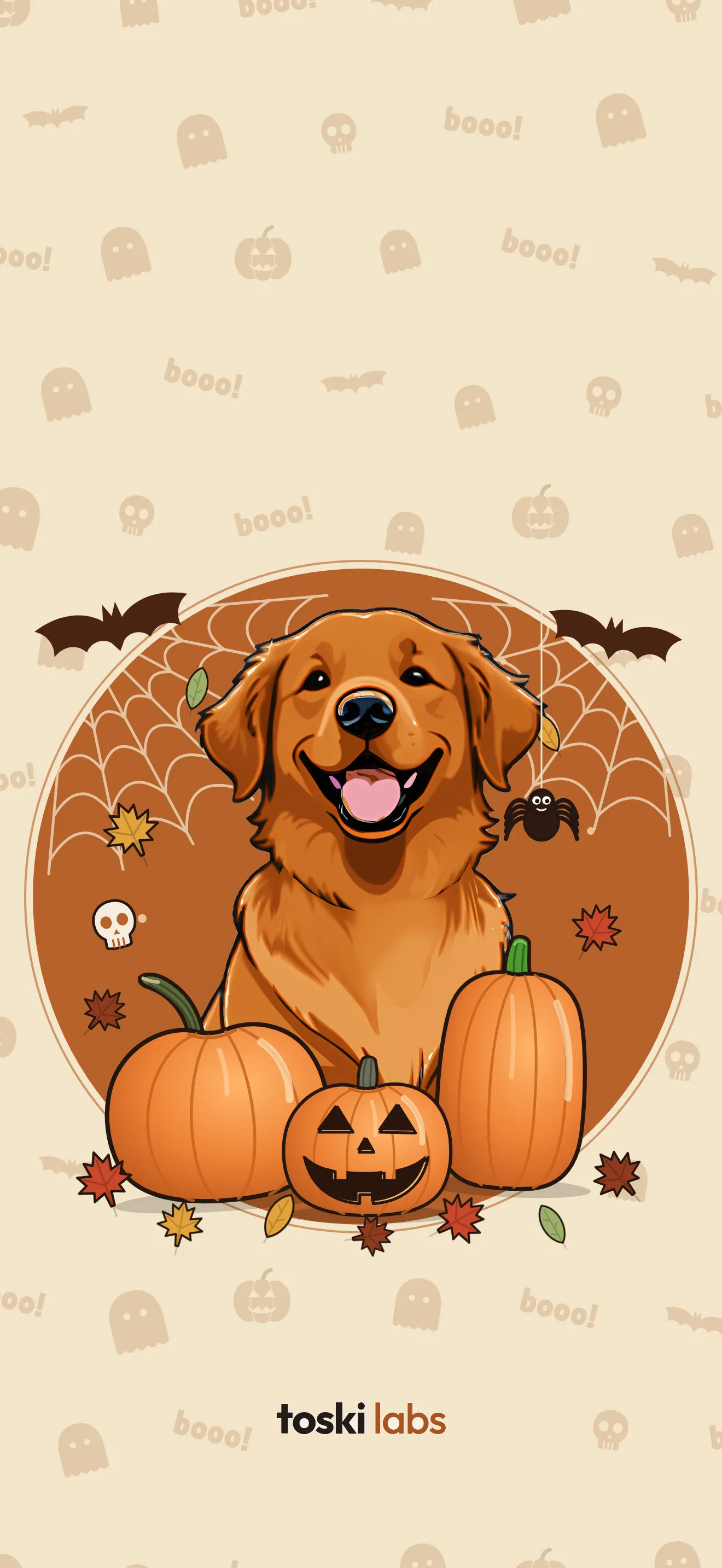
Toski among pumpkins, webs and little ghosts.
MobilePNG · 1320 × 2868, Halloween
Wallpapers
Toski Labs wallpapers for phones and desktops, in high resolution. Free for personal use.
Toski among pumpkins, webs and little ghosts.
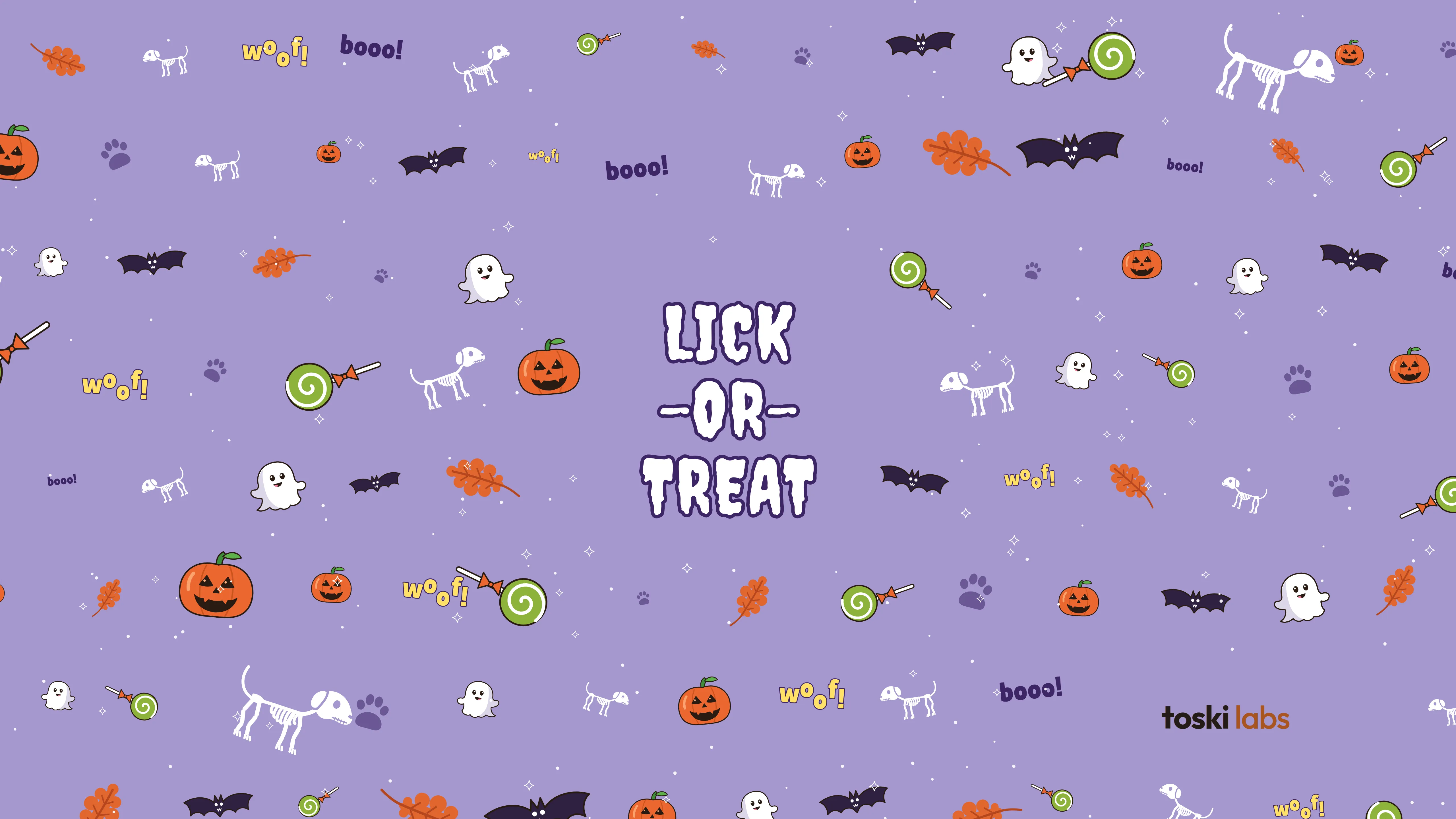
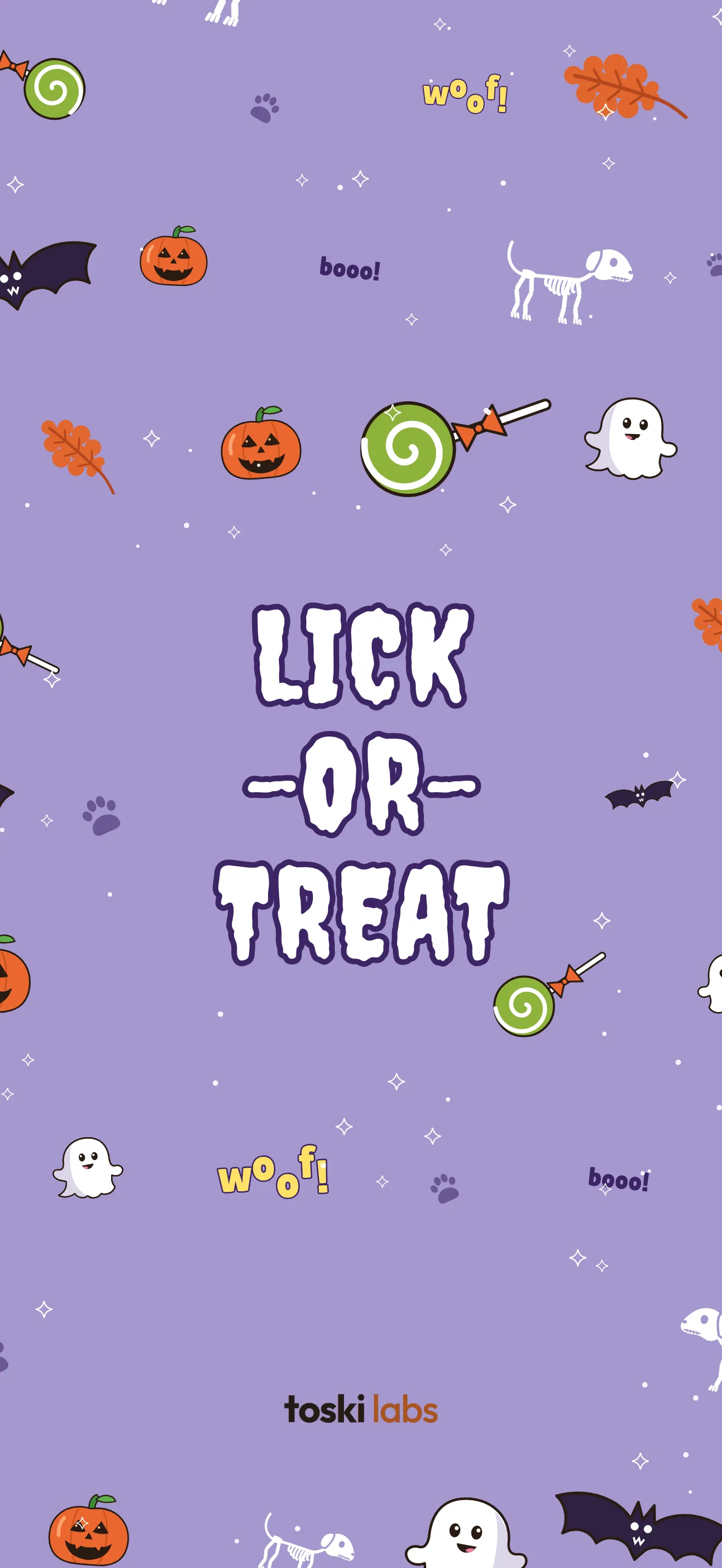
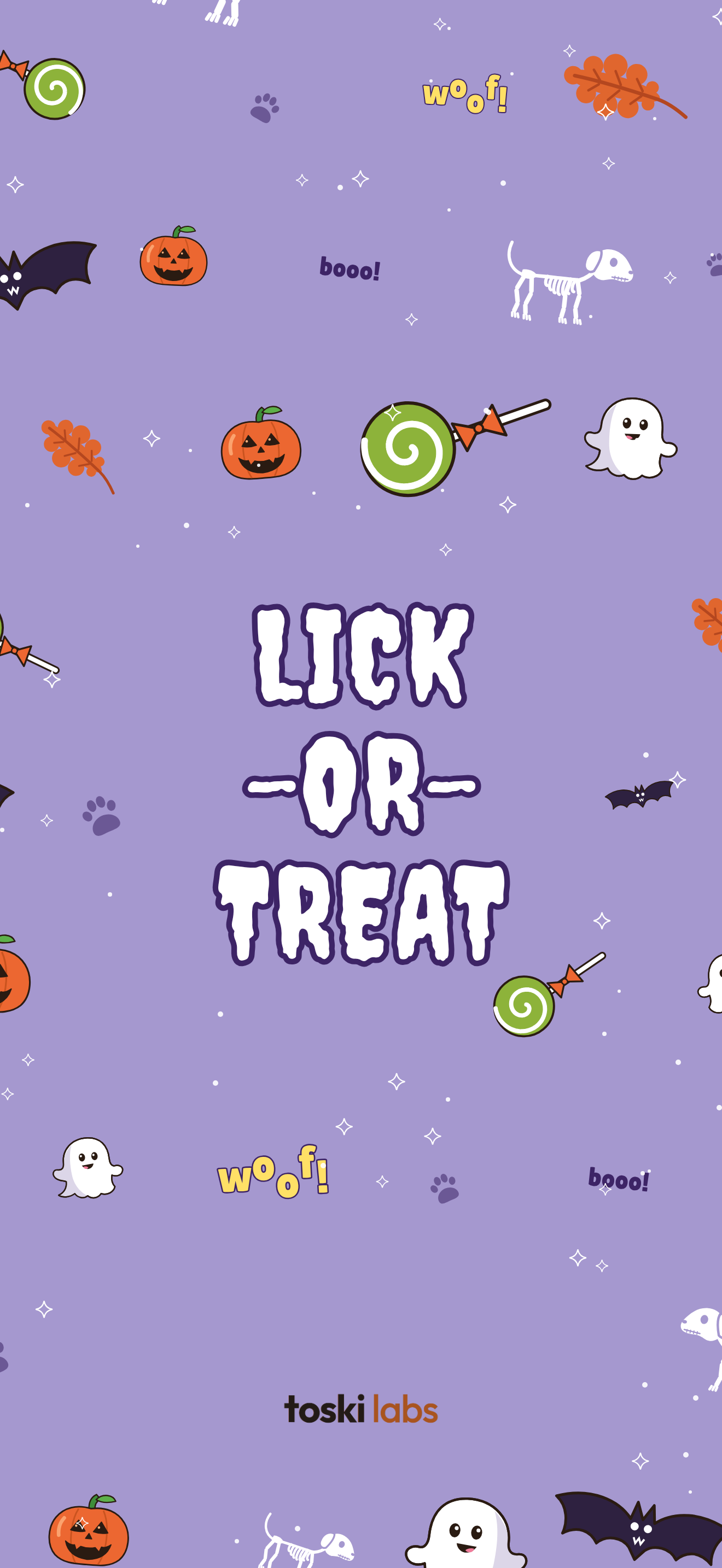
A lilac pattern with ghosts, treats and “woof!”.
Toski and the name on paper, nice and subtle.
A big Toski with her ball on a dark background.
Rows of little Toskis and balls.
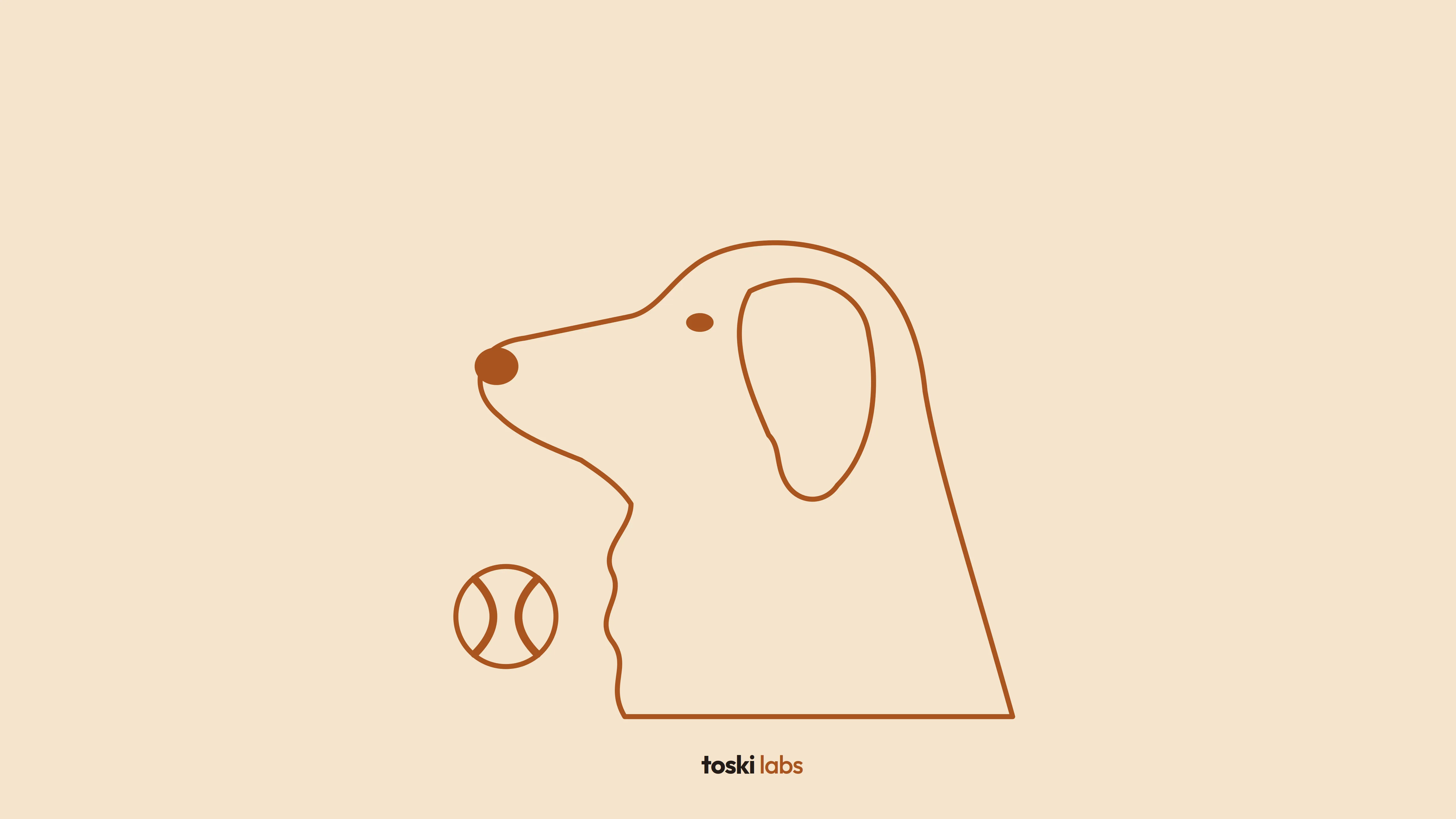
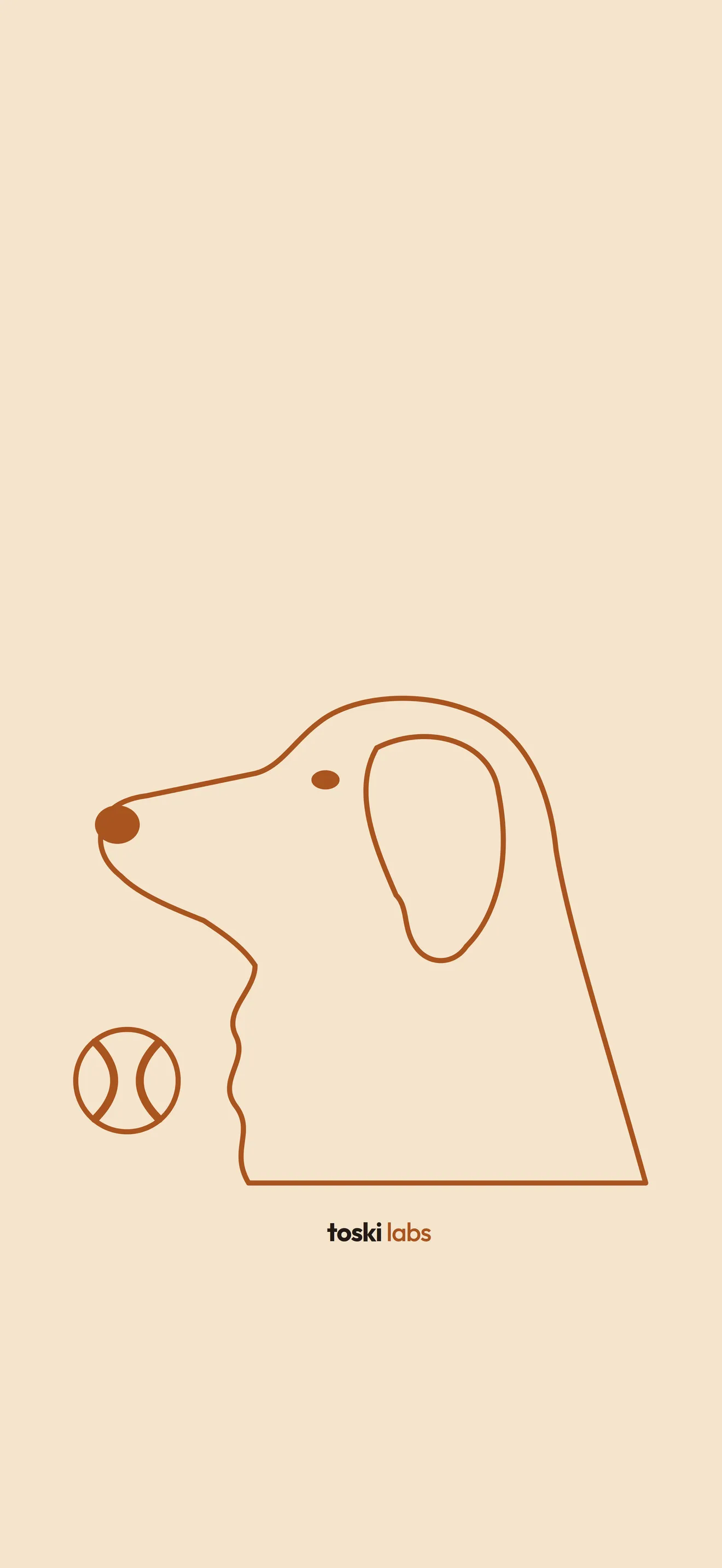
Toski as a single line on cream.
Free for personal use: phone, computer, lock screen. Please don’t resell them or use the artwork or the Toski Labs brand in other products.